Create app-specific passwords for accounts with 2-step verification on:
Quick access
Go to https://myaccount.google.com/security
If you are on Google.com
- Click on your icon on the top right
- Click on Manage your Google Account
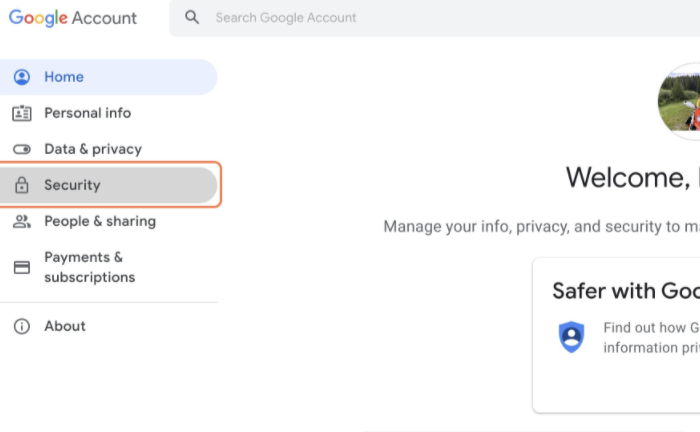
Click on Security
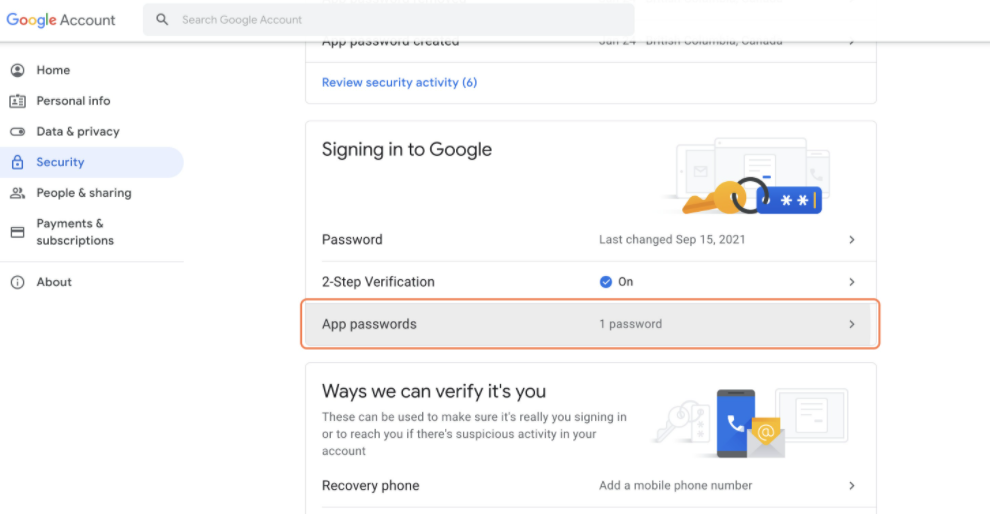
Scroll down further and Click on App passwords
If app passwords is missing, that means your 2-step verification is off. You will need to turn on on.
Make sure the right email is selected from the dropdown
- Type password
- Click on Next

Click on Other (Custom name) and name it SMTP integration (anything works)
- Click on GENERATE
- Drag to copy the highlighted text and paste it as the password when integrating Gmail SMTP
Now you can integrate within Lead Hero
- Click on Settings at the bottom left
- Scroll further to Click on SMTP & Mailgun Services
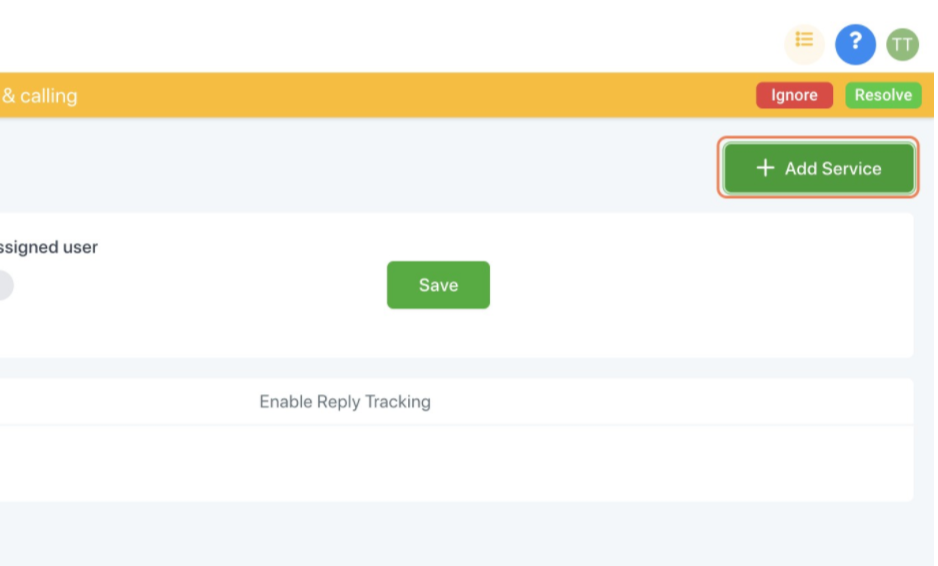
- Click on Add Service on the top right
- Click on Select Provider
- Click on Gmail
- Paste the generated app password here and click Save, done!