My emails are landing in JUNK! Help! 😟
- First of all. Don't worry, this can be resolved pretty easily.
- Second of all, if you're going to do email marketing there's no getting away from understanding some of the important fundamentals of email marketing, how SPAM filters work. So PLEASE read this and WATCH THE VIDEO below.
This video will help you understand email deliverability best practice, not just for Lead Hero, but these guidelines are valid for any mail-sending CRM you might be using.
Getting your emails to land in the User's inbox and not get flagged as SPAM is an art and a skill.
There are many factors that can improve or compromise domain reputation. None of the best practice tips and guidelines is unique to Lead Hero. You would have to do the same if you were using Mailchimp, Active Campaign or any other CRM.
Watch this video to see how Lead Hero handles email sending and what you have to know if you're emails are landing in Junk.
(NOTE: Although Lead Hero supports Gmail, Yahoo, SMPTP etc...due to recent security changes it is NOT recommended to use these accounts for email marketing!)
[WATCH VIDEO] HOW NOT TO LAND IN JUNK:
DOWNLOAD THE GUIDELINES DOC >>
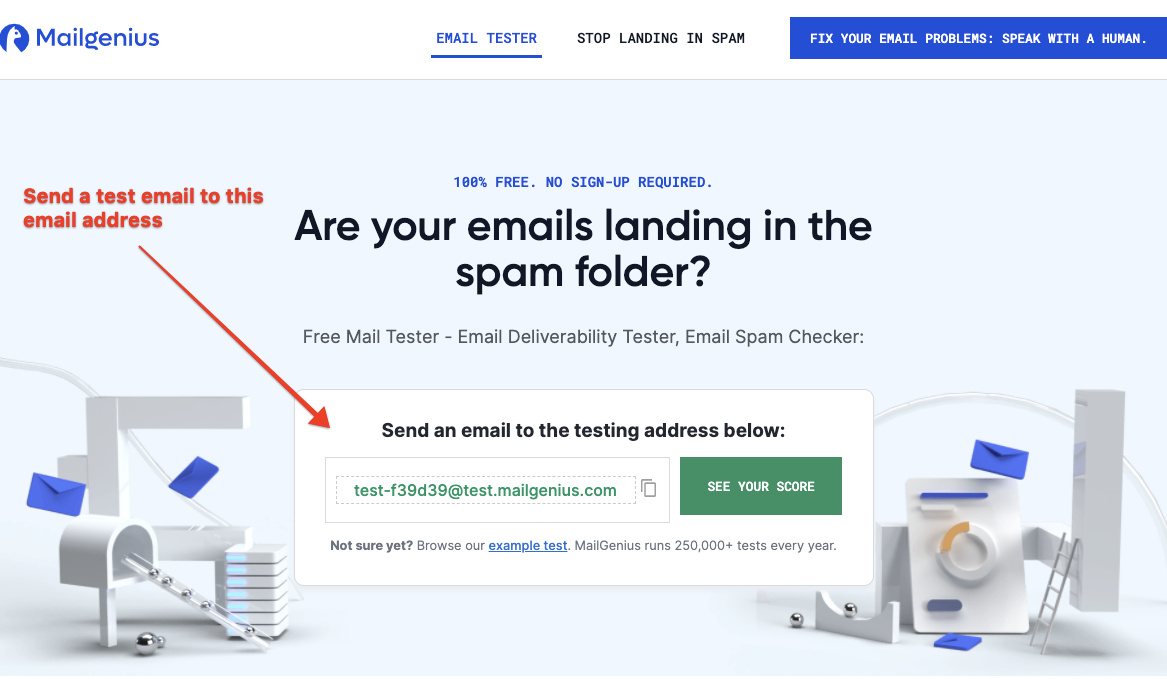
Mailgenius is a website where you can test your domains email deliverability.
Test Your email deliverability >>
What to do if your domain reputation is below 90%
If your domain reputation is below 90% please contact us at support@leadhero.ai for next steps.
Your options:
- We can set up a new subdomain for you (eg. newsub.yourdomain.com)
- We can create a new "lookalike" domain (eg. yourdomain.co or yourdomain.info)
- You can set up a new subdomain yourself
- When you're ready, let us know what the new subdomain is and we will send you TXT, MX, and CNAME records to update and we can then connect it to Lead Hero
Please note: We charge a one-time £149 for a new sending domain setup.
This includes the purchase or configuration of DNS records and integration with your Lead Hero account.
Contact support if you want us to go ahead.
EXAMPLE TROUBLESHOOTING VIDEO
Make sure the person sending the emails uses the same domain as the primary email sending domain in your Settings > SMPTP and Mailgun
